01
Talk
Reply to a message or open a thread from it. React, run a poll, use your own emoji and stickers, and play sounds from the server's soundboard.
- Replies
- Threads
- Reactions
- Polls
- Emoji and stickers
- Soundboard
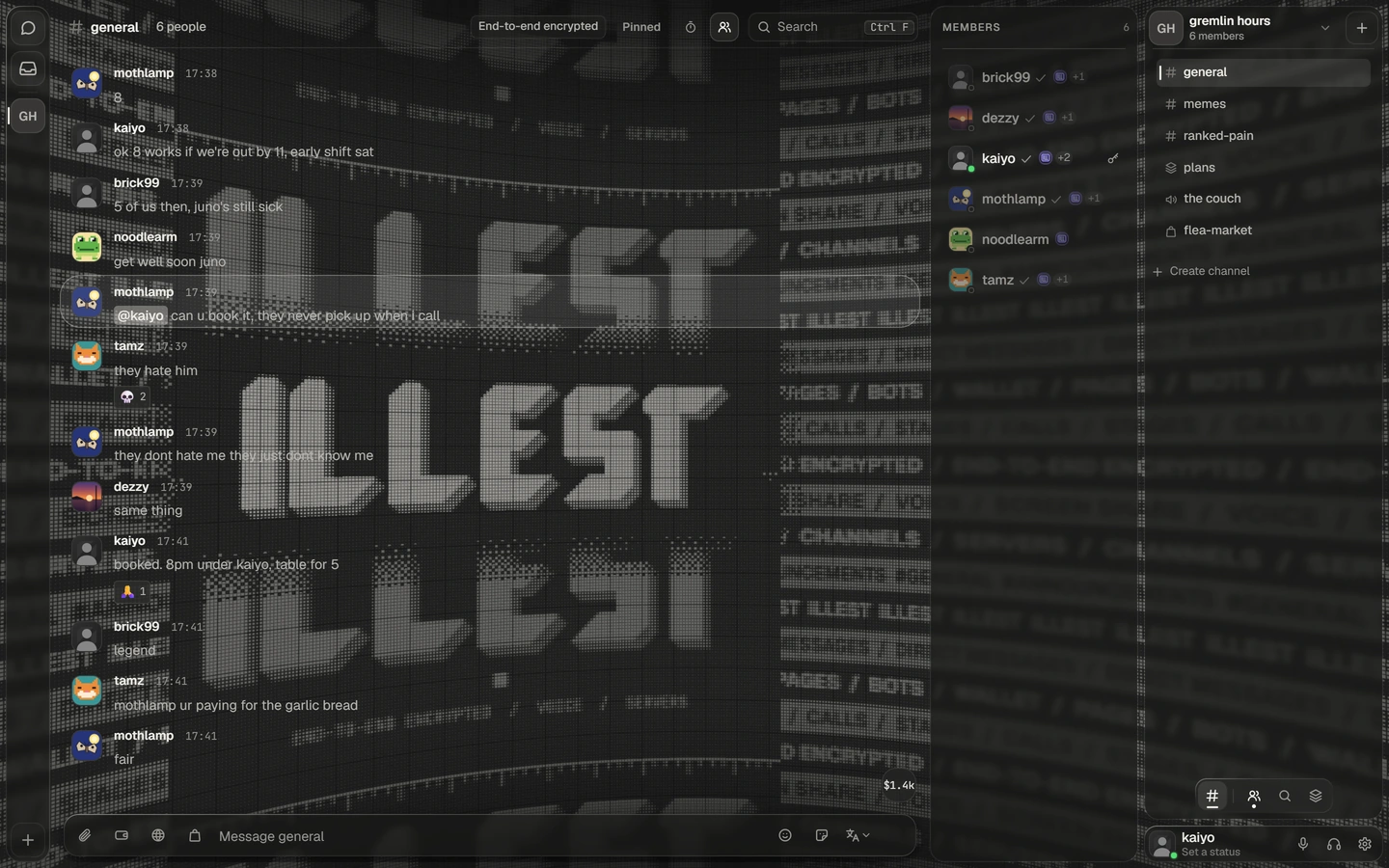
ILLEST™ is servers and DMs, voice and screen sharing, a wallet and a page of your own. Every message is encrypted on your device, so the server only ever holds ciphertext.
illest.world/yourname
Create your accountFree to use, and nothing to install.
End-to-end encrypted, MLS (RFC 9420)
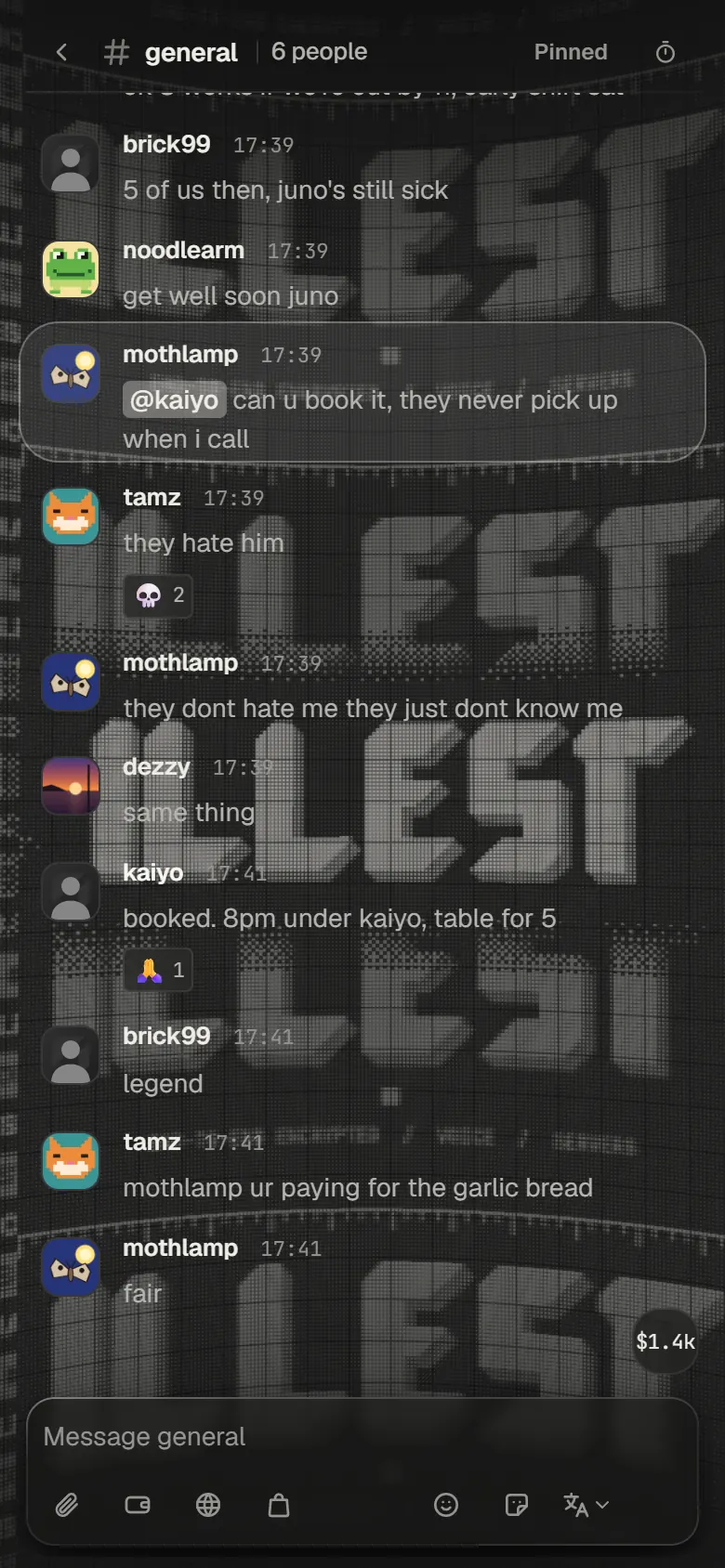
Sealed on your device. Opened only on theirs.
Reply or open a thread , react, run a poll, drop in files, each sealed with a key of its own, and set a conversation to disappear.
Forums for every topic, your own emoji and stickers, a soundboard, and search that runs on your device: the server could not search your messages if it wanted to.
01
Talk
Reply to a message or open a thread from it. React, run a poll, use your own emoji and stickers, and play sounds from the server's soundboard.
02
Files
Drop files anywhere in the conversation. Each one is sealed with a key made for that one file before it leaves your device, and a sound draws its waveform.
03
Forums
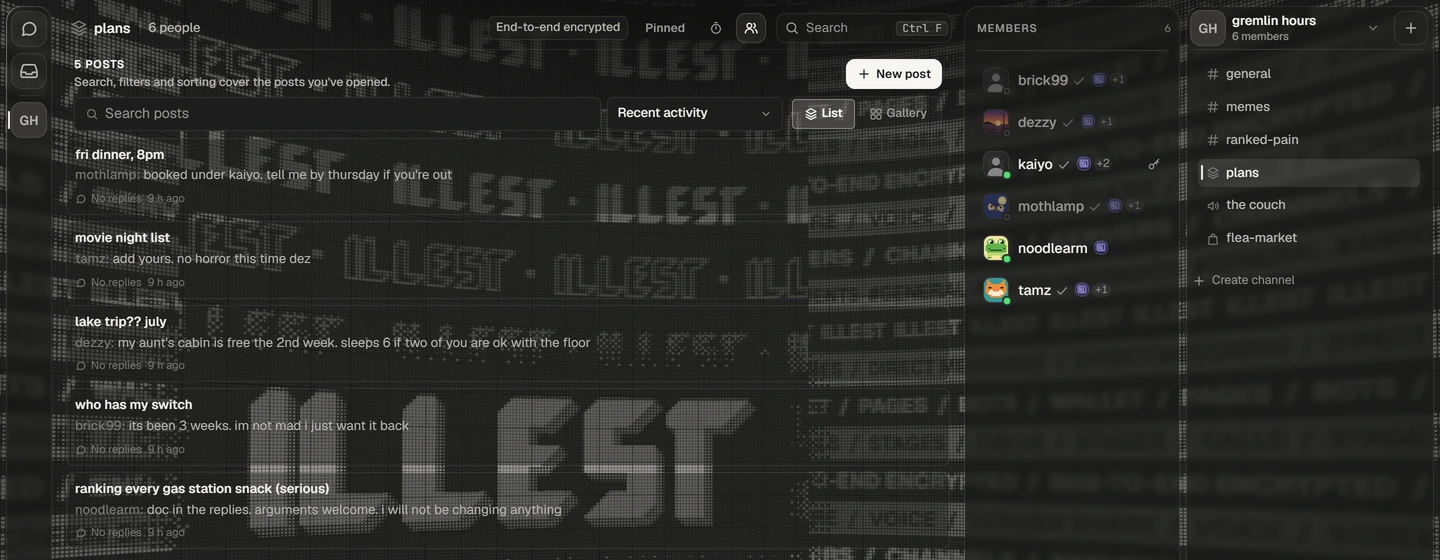
A channel where every topic is a post with a title and tags, shown as a list or a gallery. Each post's title, its words and the tags it wears are sealed.
04
Disappearing
Set a conversation's messages to delete themselves: after an hour, a day, a month, or any number of hours up to a year.
05
Your search, on your device
Search reads only what your device has decrypted. The server could not search your messages if it wanted to.
On this device
For a crew, a community or a few friends. Every channel is encrypted the way a DM is.
Everything, the server itself included.
Time people out, slow a channel, manage messages and read the audit log.
Talk, call, share a screen and open a room of their own.
Given on the way in, with the welcome the server wrote.
Six kinds of channel
Text, voice, stages, forums, announcements and, once boosted, a shop.
Rooms of your own
Join a door and get a room under it, gone 20 seconds after it empties.
Welcomes without a bot
Up to 10 welcome lines and 5 roles given to newcomers as they arrive.
Moderation
Timeouts from 60 seconds to a week, slowmode, 100 people's roles at once, an audit log.


Join a voice channel and you are in. Share a screen or a window and each person chooses to watch: until they press Watch, your picture is not decrypted on their device.
Encrypted on your device
Voice and screen are sealed on your device before they leave it. The server relays them and cannot open them.
Relayed, never direct
Calls are relayed, not peer to peer, so nobody in a call gets your IP address from it.
Stages
A few people speak, everyone else listens.
The controls you expect
Mute, deafen, push to talk, and a volume for each person.
Cameras
Turn your camera on in a call. Its picture is sealed on your device like your voice, and each person watching gets the size their connection can carry.
Build a public page on a canvas. Start from a template, drag in blocks, give each its own frame, depth, effects and motion.
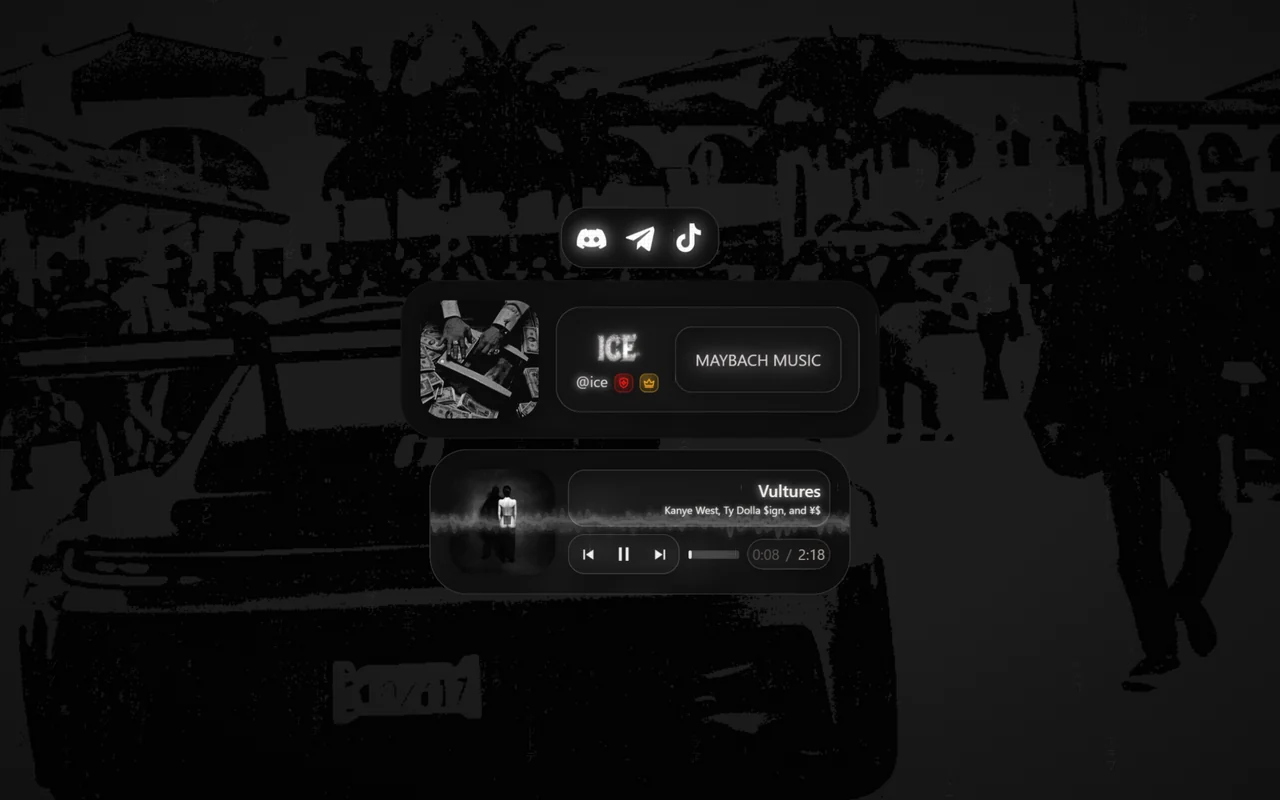
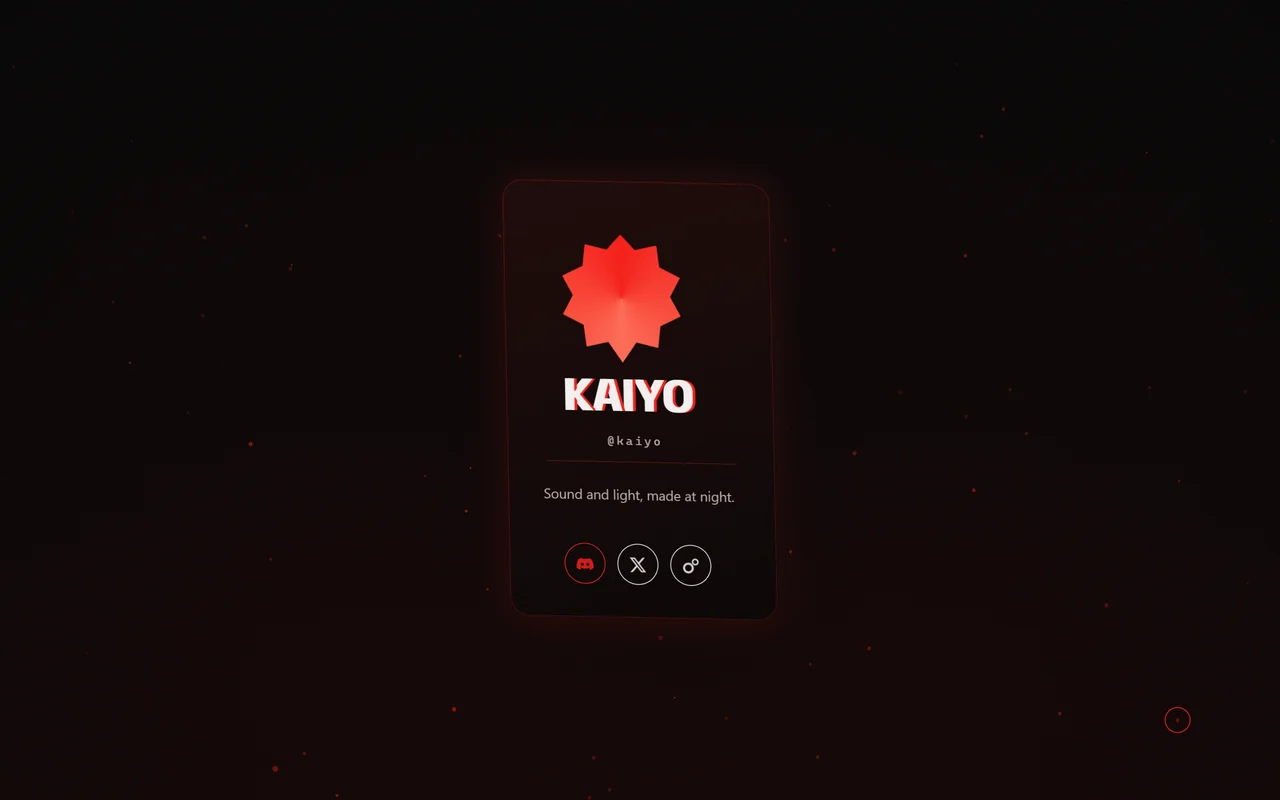
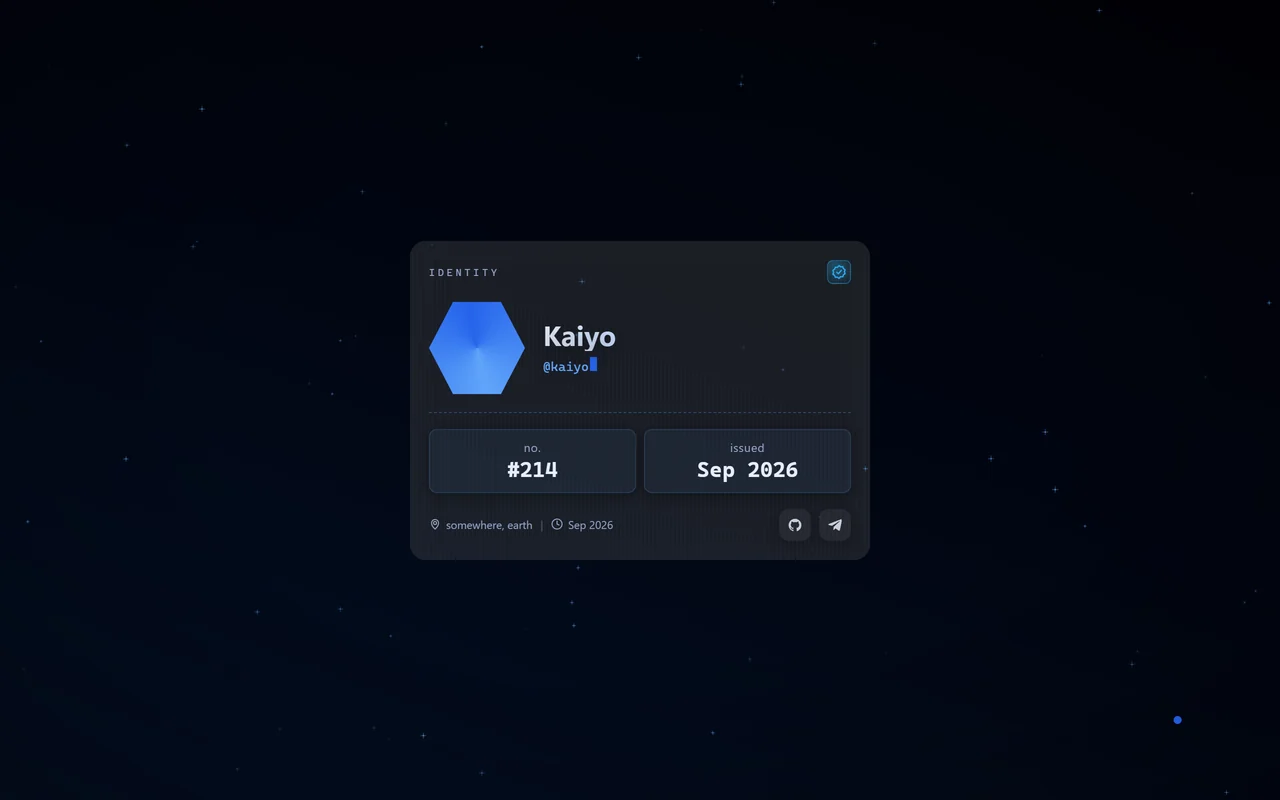
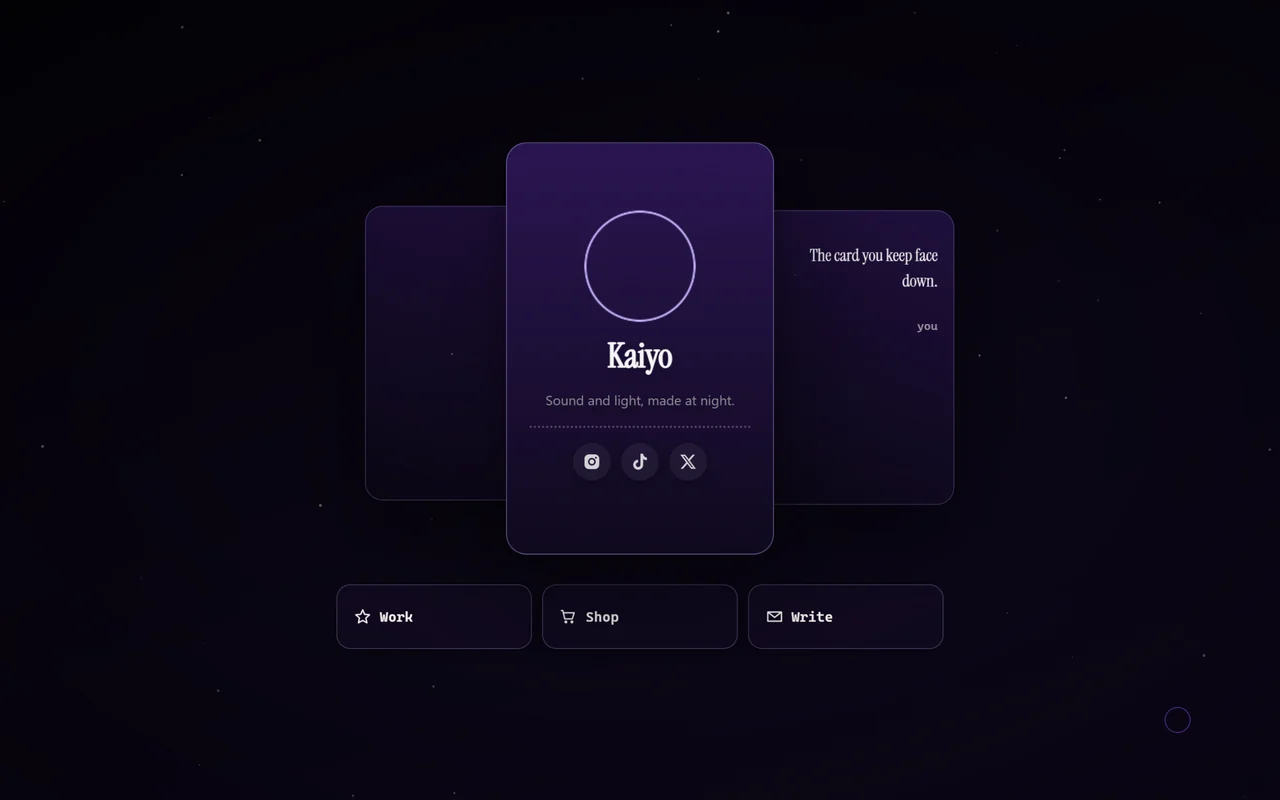
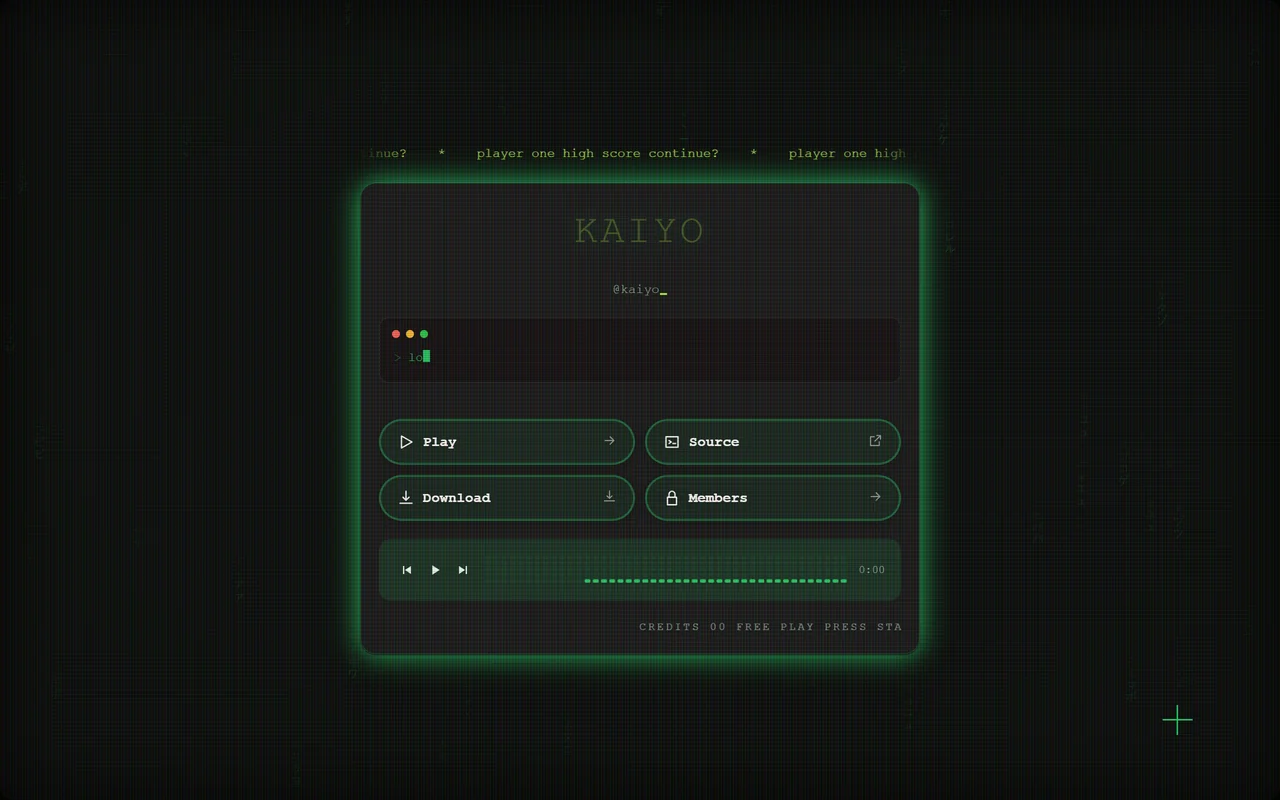
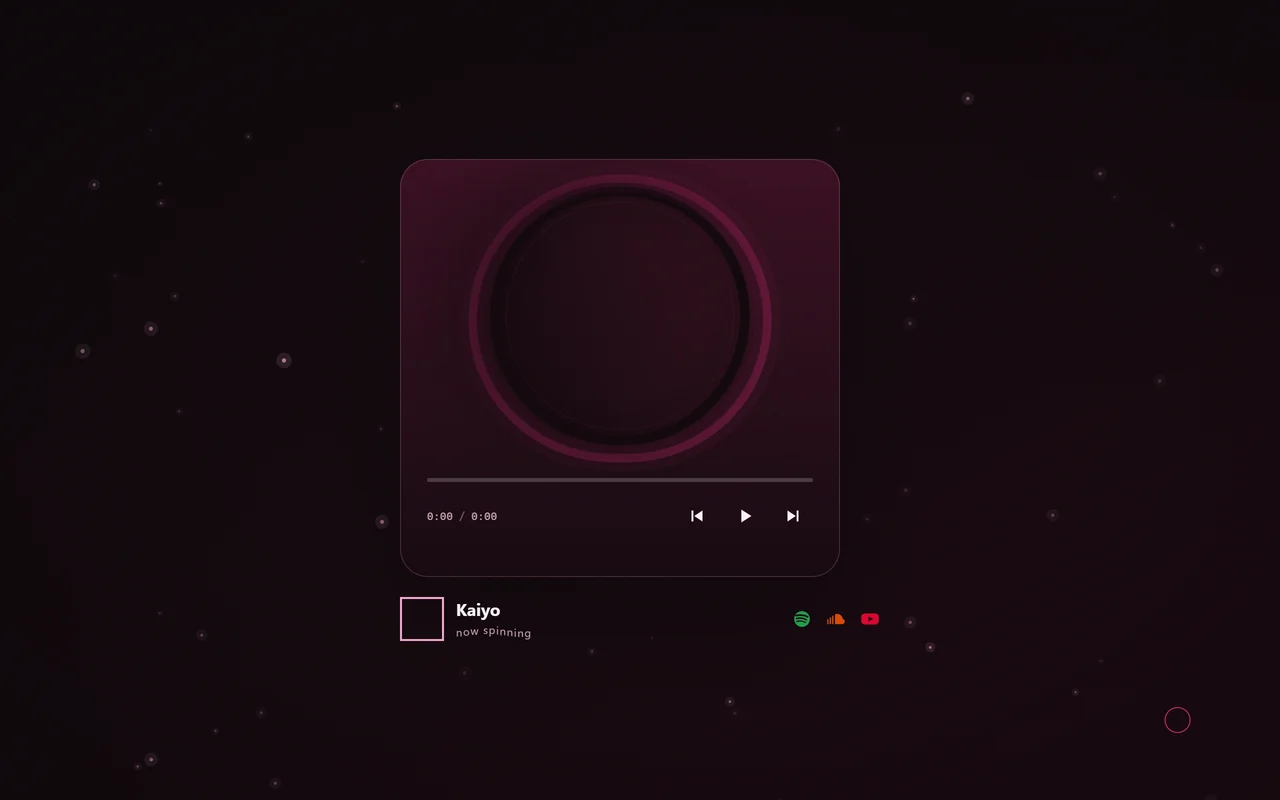
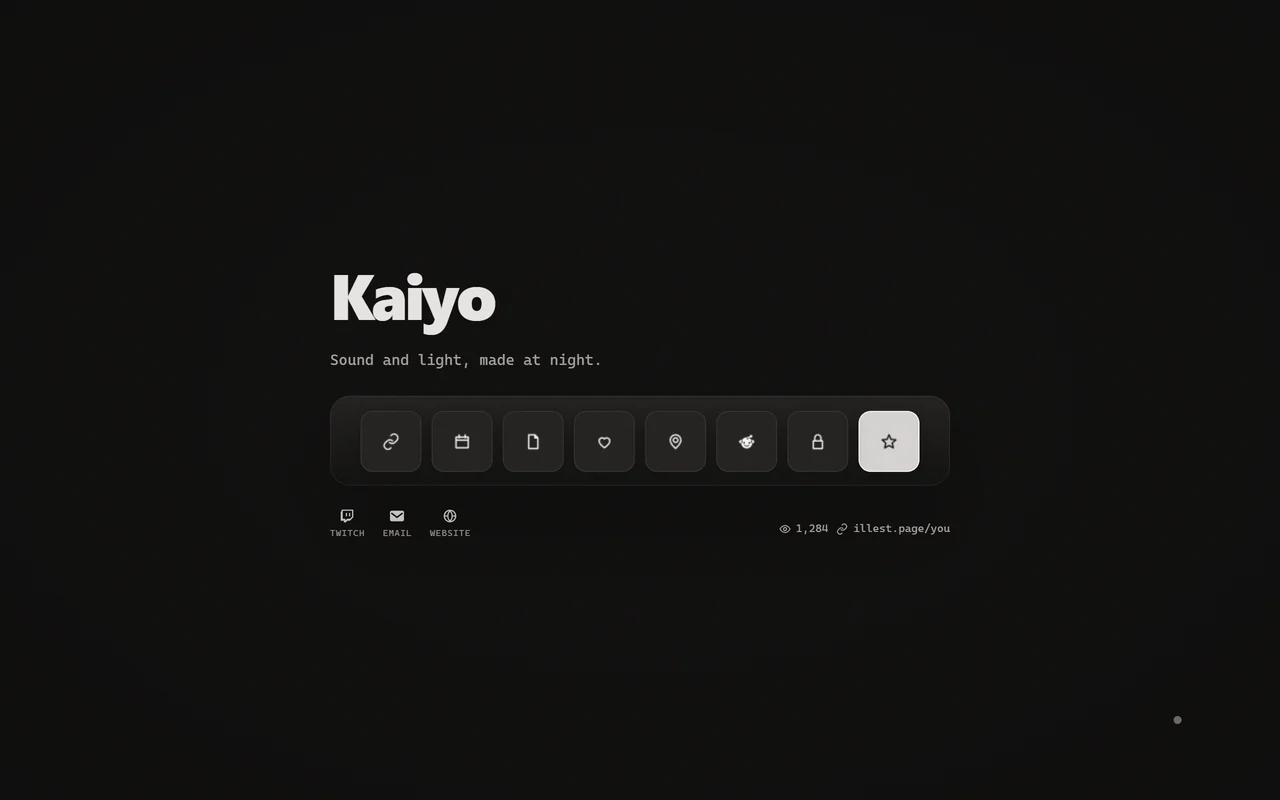
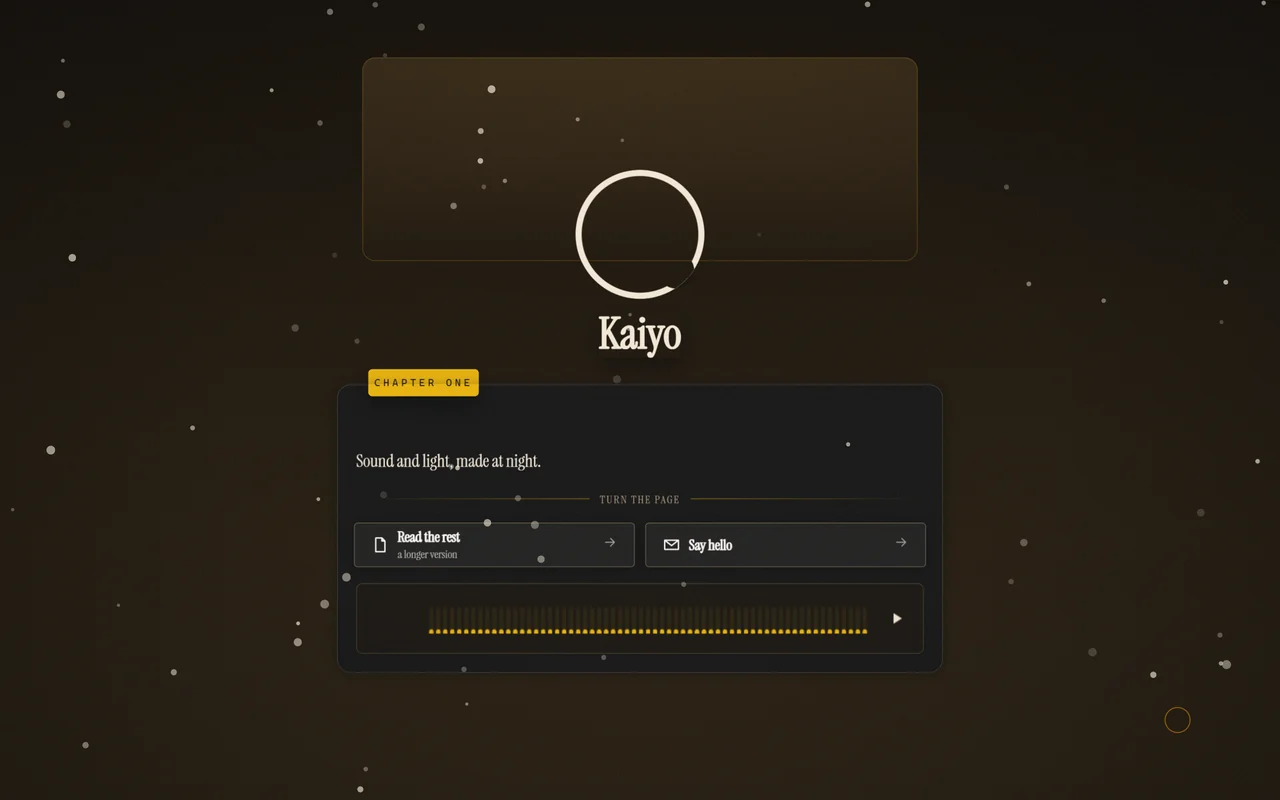
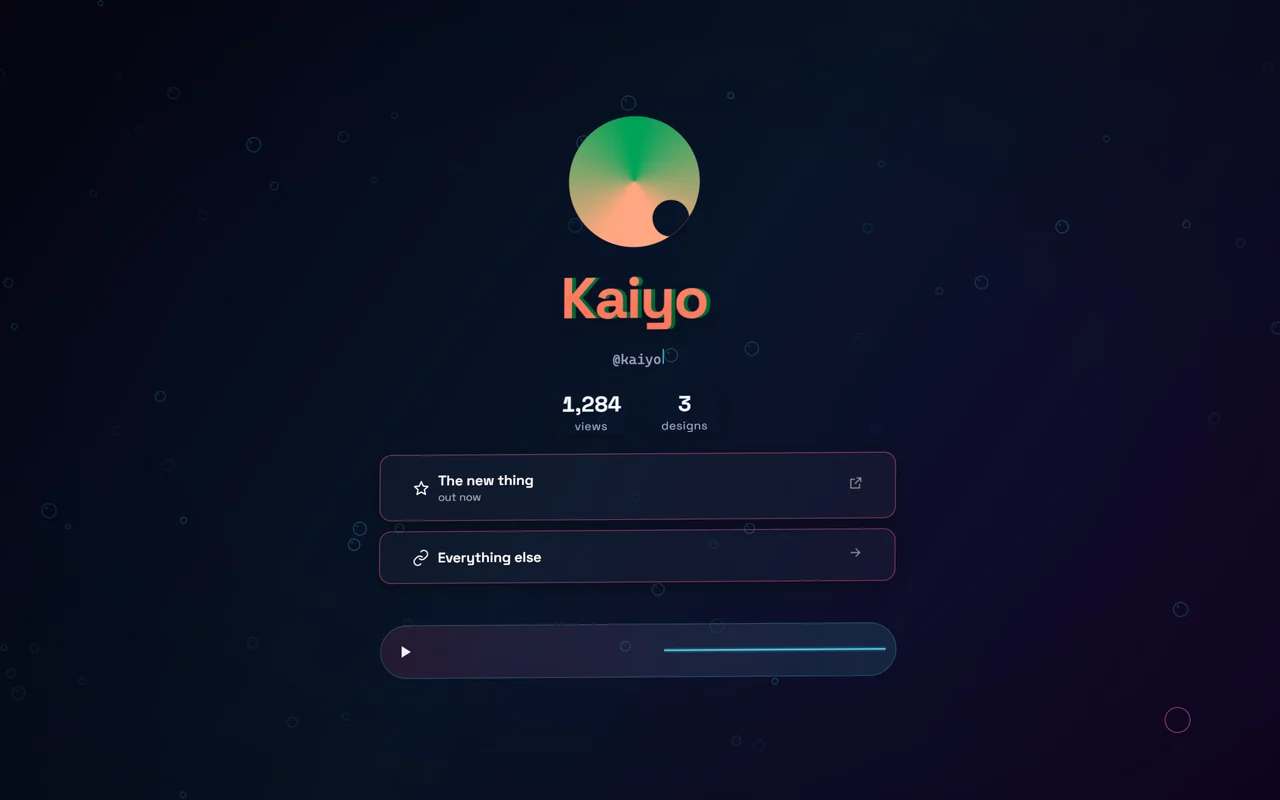
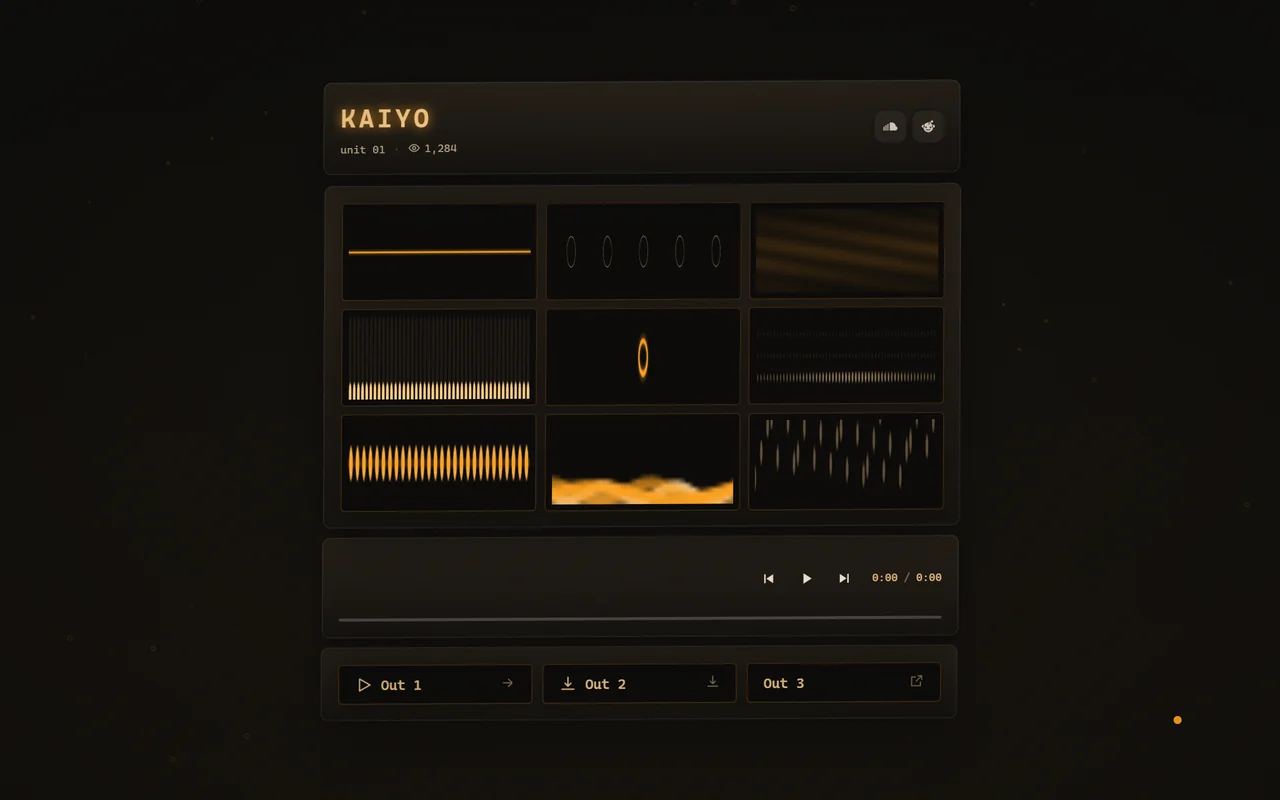
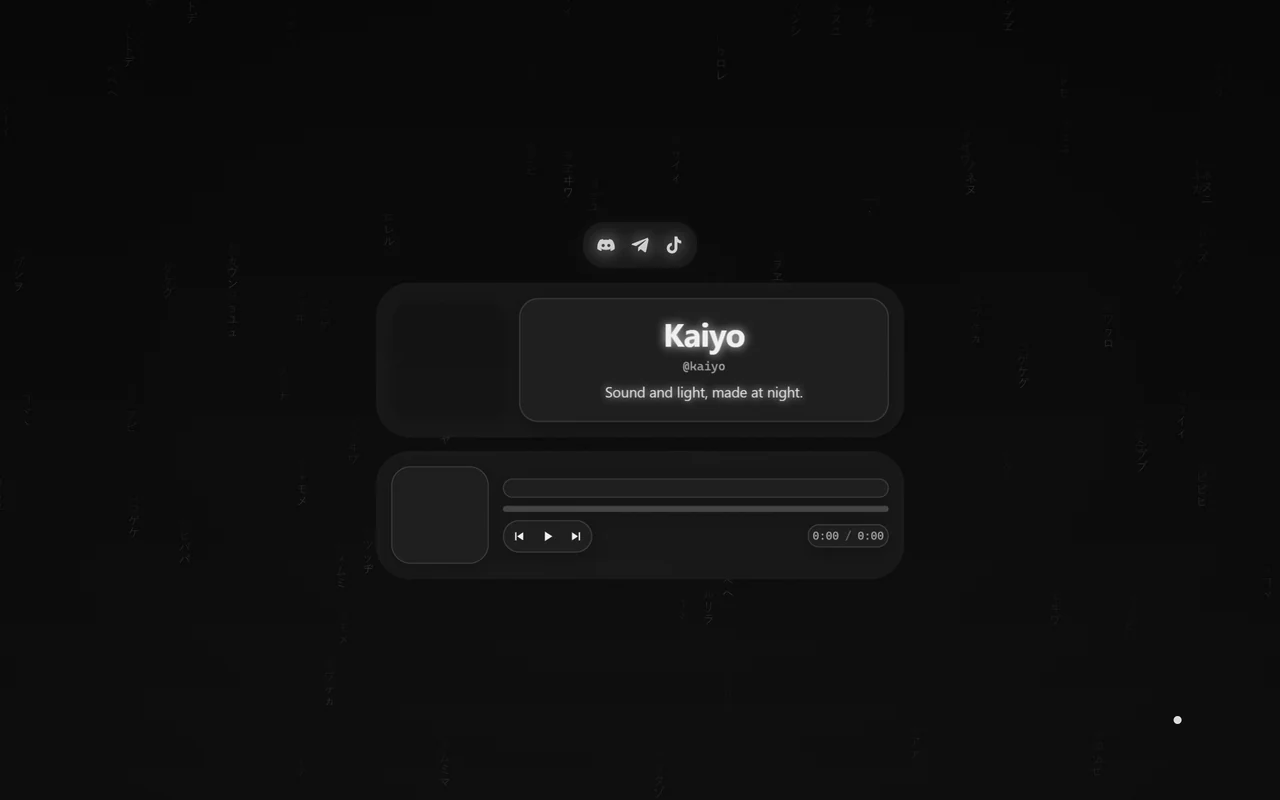
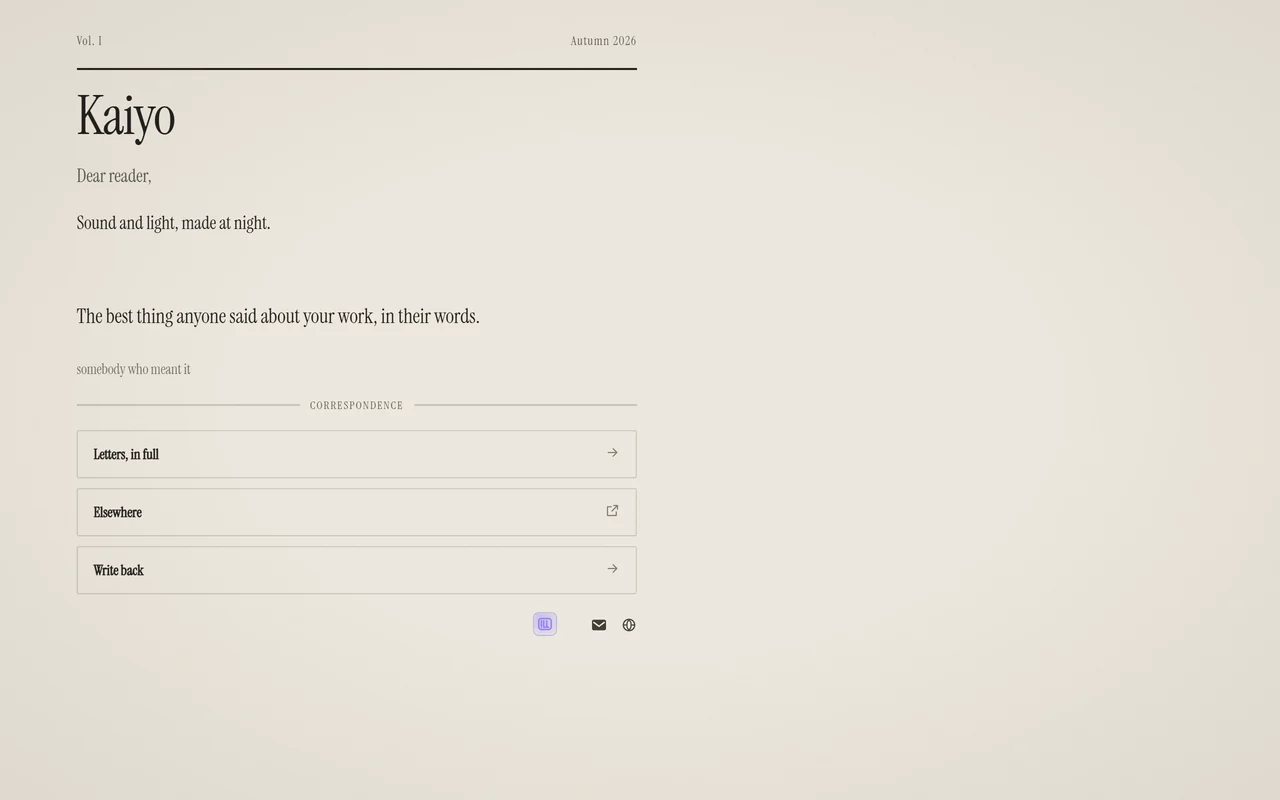
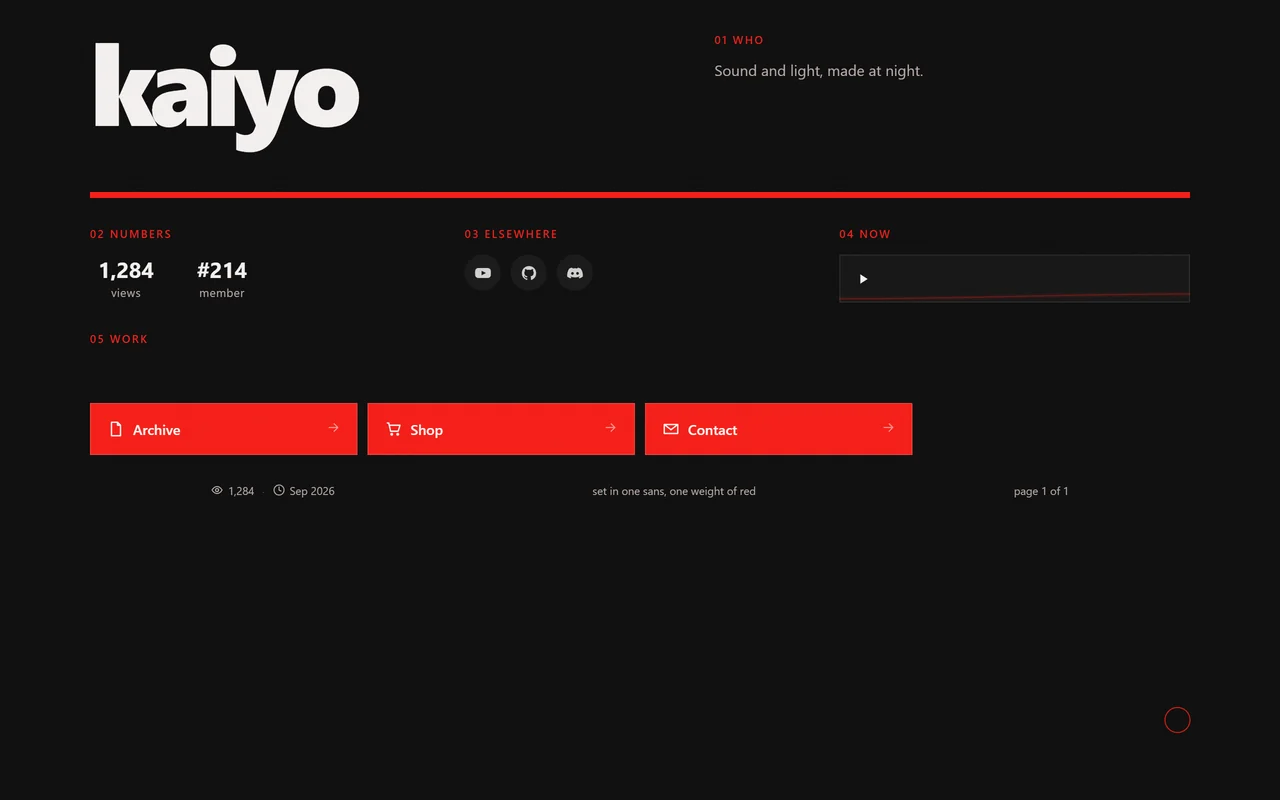
Your page is at illest.world/yourname, and with a subscription at yourname.illest.one.
Your names. Your money. Your page.
Hold more than one username, sell names and items for USDC, and pay from a wallet only you hold.
mothlampwhat do i owe u for last night
kaiyosent u a request
42 USDC
dinner, your half
7kQmX4dYw2Ph9Rt3sLc8VbN5aJe6Fz1GuK2oMqWy9xTeCheck the address against something other than this message.
Paid 42 USDC on Solana
Your deviceThe key stays here
ILLEST's serverNo key here
The conversationBoth of you see it
The people, the amounts and the addresses are made up.
Auctions, with ILLEST in the middle
Put an item, a role or a username up for auction and nobody has to trust a stranger. Every bid is paid to ILLEST and held there. Outbid, yours comes back in full at once. When the auction ends, ILLEST pays the seller and the winner gets what they won, as if they had bought it.
Names
Up to two usernames, five with a subscription, each in a colour, typeface and effects you choose. A name that changes hands is marked as new.
Market
A boosted server opens a shop and sells items and roles. Usernames sell in the ILLEST server's shop, paid in USDC on Solana.
Wallet
Made on your device from a recovery phrase only you have, with a password of its own. ILLEST cannot spend from it or recover it.
In a browser, anything that can run code on the page can reach an unlocked wallet, so keep everyday amounts there. The desktop app keeps the wallet's keys and signs in its own process, so the screen asks for a signature and is never handed the key that made it. The words of your recovery phrase do pass through the screen: when you create a wallet, when you import one, and when you ask to see them.
The same ILLEST in a window of its own, with its code built in.
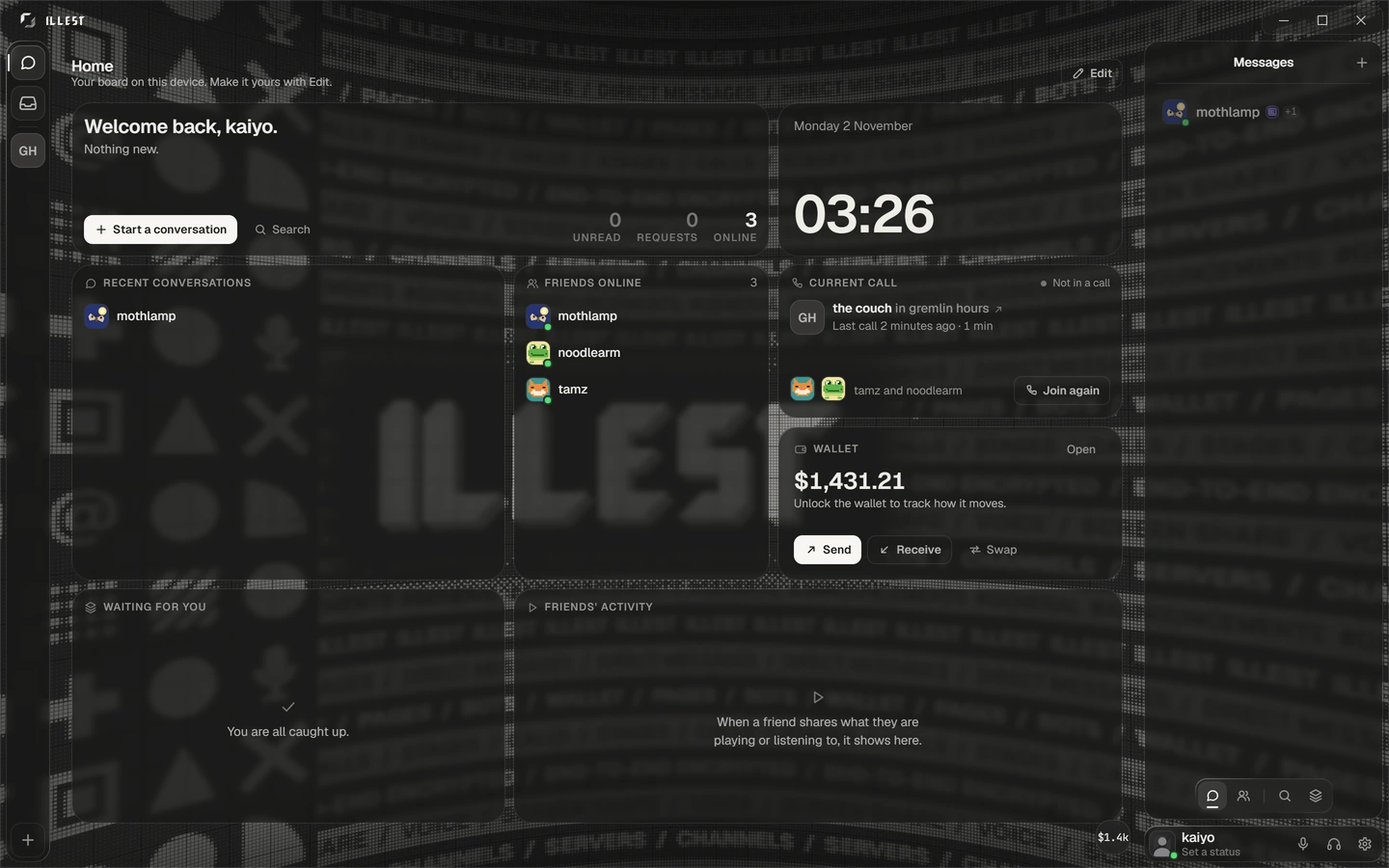
Its code is its own
In a browser, the page's code comes from the server each time, so whoever runs the server could change it. The desktop app carries its code inside the app.
Your key, in the keychain
Your device's key is kept in your system keychain and used by the app's own process. What that does not cover is set out under Messages.
For your computer
The button gives you the build for the computer you are on. Every build the release has is listed under it: Windows, a Mac, Linux.
Type the name you want. If it is free, carry it into sign-up. Free to use, and nothing to install.
illest.world/yourname
Create your accountSealed on your device
Free to use